Install AuditFlow Pro
AuditFlow Pro runs as a standard Office Add-in. Sign up, sideload the manifest, and you are running engagements on Excel for Windows, Mac, or the web in under five minutes.
Live app: auditflow.mangosand-07dcd3c0.southafricanorth.azurecontainerapps.io
Get going in 4 steps
- 1
Sign up for an account
Click "Sign up — start free" to create your AuditFlow Pro account on the live app. No credit card required — the Free tier is permanent.
- 2
Download the manifest
From the link below, save manifest.xml. This file tells Excel where to load AuditFlow Pro from.
- 3
Sideload in Excel
In Excel, go to Insert → Office Add-ins → Manage My Add-ins → Upload My Add-in, and choose the manifest file.
- 4
Open the taskpane
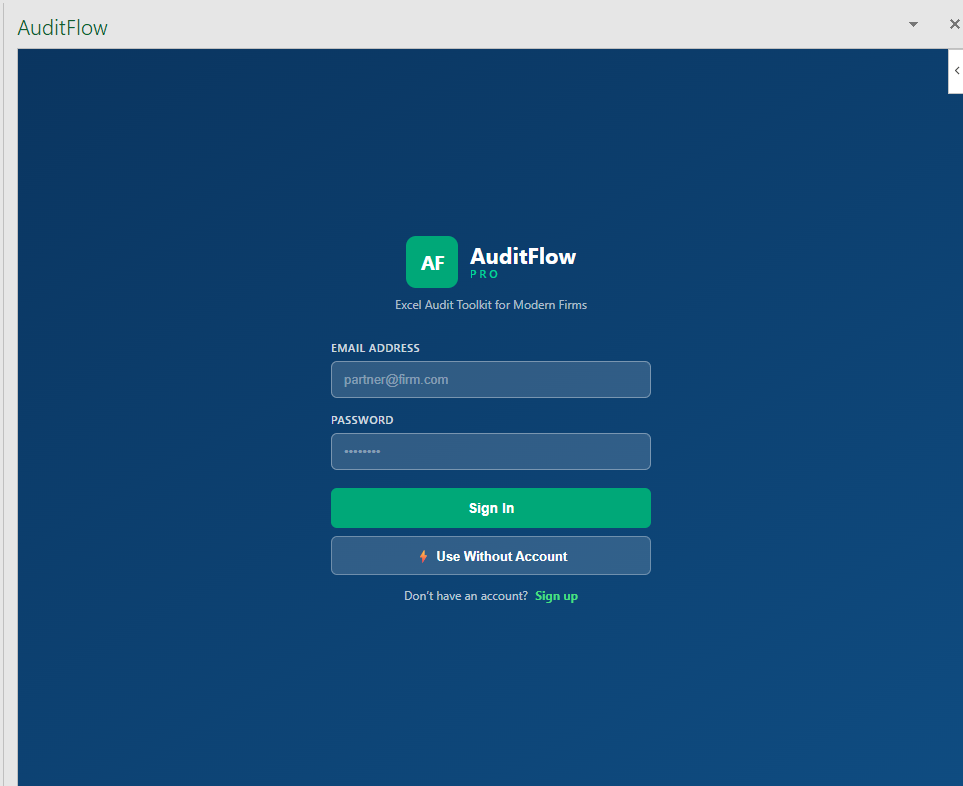
Click Open AuditFlow on the new ribbon group, then sign in with the email you used to register.
System requirements
- • Excel 2019 or later (Windows or Mac), or Excel on the web
- • Microsoft 365 account recommended for cloud workbook sync
- • Internet connection for licence verification and updates